
Careers Site API access to your Tellent Recruitee data.
ImportantDeadline for introducing the token to calls is 10 February 2027
Calls without the authorization header will return the
401 Unauthorizederror
In order to use the Careers Site API, a client (any application that would like to use the API) needs to authenticate first with a header:
curl -X GET \
  https://recruiteedemo.recruitee.com/api/offers \
  -H 'X-Careers-Sites-Token: <token>'
Token scopeThe token only covers the endpoints mentioned in the documentation:
/offers
/offers/:id
/offers/:offer_slug/candidates
The XML offer feed and jobs widget are not covered by the Careers API token
Each user can generate an API Token that will have the exact same scope of permissions as the user - it will allow to perform the same actions as in the web or mobile application in the name of that user.
Currently it's not possible to set the access level of the API Token (e.g. with lower or higher access level) or turn off API Token generation for some roles.
Be careful when sharing your API Tokens with other people.
Generate API Token
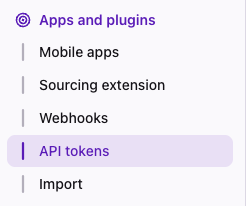
To start, go to token settings. You can find them in Settings > Apps and plugins
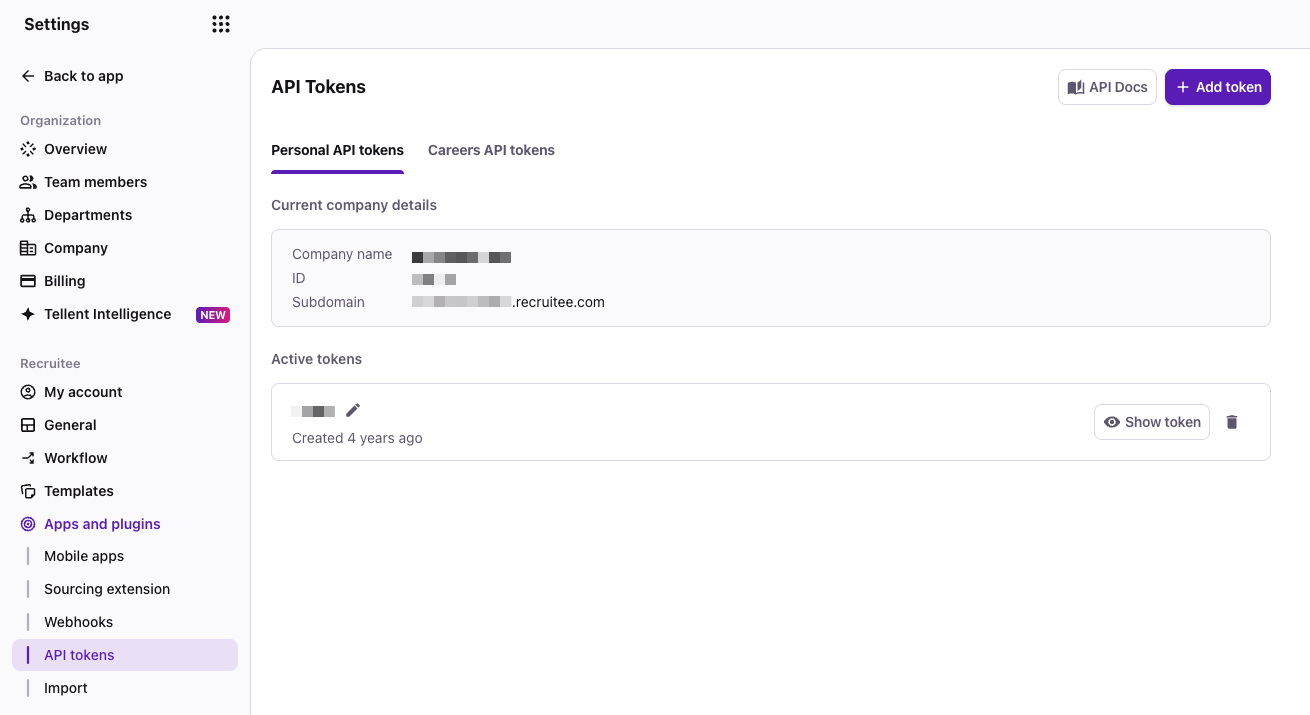
You should now see an overview of your API Tokens.
Navigate to Careers API tokens
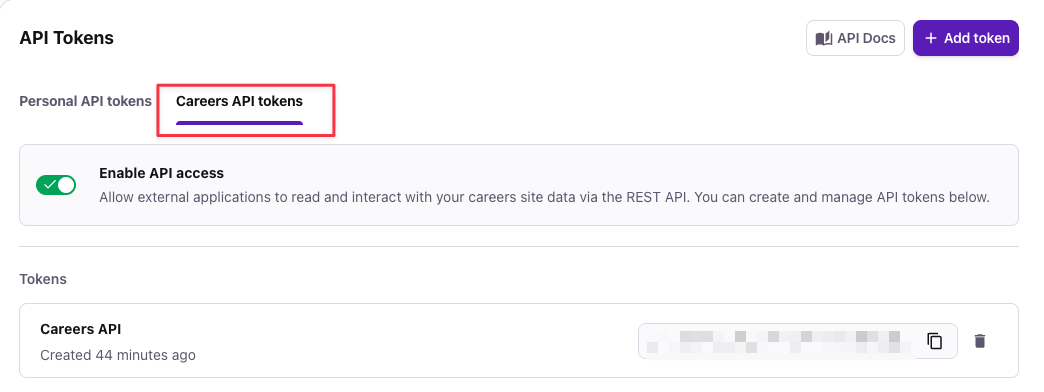
Click on +Add token > Careers API token and provide the API Token label. Click Save.
You can now use the token for your integrations.
Users in multiple companiesCareers API token only covers single account's Careers Site API. If you are a user in multiple companies, you need to generate the token for every company account to retrieve access to the API.
Revoking your API TokensYou can revoke your API Tokens anytime, but any integrations using it will stop working - each request that needs authentication will then return
401 Unauthorizedstatus.
Since it's not possible to regenerate existing API Tokens, you will have to create a new API Token and update it in your integration.